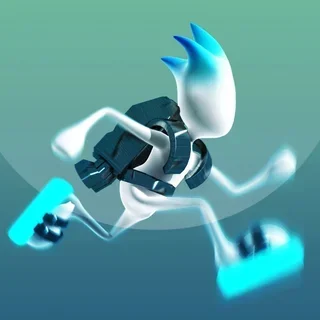


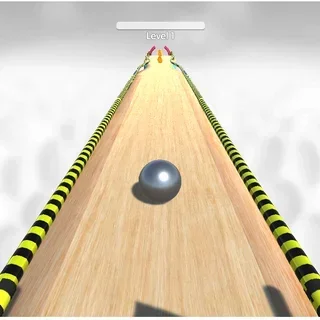


This is Run 3 unblocked: the HTML5 game loads from run3-unblocked.org in your browser, so it runs on a school Chromebook with no download and no account. Your map progress and characters save on this device.
Run 3: the tunnel is the level, and you choose which way is down
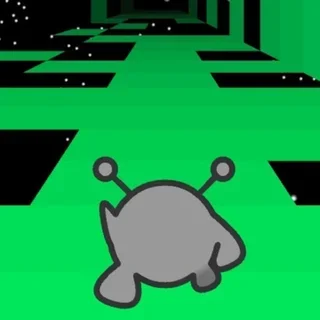
Run 3 looks simple for about ten seconds. A little grey alien runs forward through a square tunnel made of tiles, and some tiles are missing. Jump the gap with Up or Space, move left and right with the arrows, and keep going. Then a gap turns up that is far too wide to jump, and you find the trick: move onto the side wall and the camera swings round with you. The wall is now the floor. The whole game is built on that idea.
It gets harder in ways that are easy to name. Crumbling tiles fall away a moment after you touch them, so you cannot stop on them. Ice tiles keep you sliding after you let go of the key. Ramps throw you upward, steep tiles change the angle you land at, and boxes stand in the way. Some tunnels are wider, with six or eight walls instead of four, and some are dark: in the Low-Power Tunnel the tiles only light up near you.
There are two ways to play. Explore follows a map from Level 1 down the main tunnel, with side tunnels that unlock as you pass certain levels and named areas off the main line, plus characters you can buy with the power cells you collect. Infinite drops you into an endless run built from a big pool of levels and counts how far you get. Both keep your progress in the browser.
Controls & mechanics
| Action | Control | Purpose |
|---|---|---|
| Move | Left / Right arrows or A / D | Slide across the tunnel; keep moving onto a side wall to rotate the tunnel |
| Jump | Up arrow, W or Space | Hold for a longer, higher jump with most characters |
| Rotate the tunnel | Walk onto any wall | Works in mid-air too — a jump sideways into a wall lands you on it |
| Pause and map | P | Pauses the run and opens the menu with the map and characters |
| Choose a mode | Explore or Infinite on the menu | Explore follows the level map; Infinite never ends |
| Restart a level | Fall into space | The level starts again from its first tile, nothing else is lost |
Getting through the hard parts of Run 3
- Look for the wall before the gap: A gap you cannot jump is usually a wall you should already be walking onto. Move sideways early, not at the edge.
- Never stop on crumbling tiles: They drop out a moment after you land. Keep running and jump off before they go.
- Tap on ice: Ice keeps your sideways speed. Short taps and an early correction beat holding the key.
- Jump into walls on purpose: A sideways jump lands you on the wall and rotates the tunnel in mid-air. It is the fastest way across a wide hole.
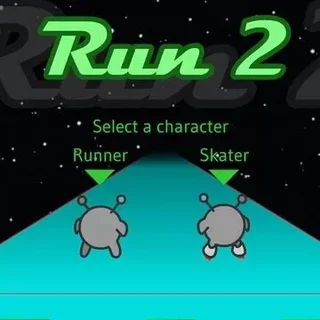
- Use the right character: The Skater is fast and good on long straight tunnels; the Lizard jumps higher. Different levels suit different runners.
- Play Infinite to practise: Infinite throws every tile type at you in quick succession. Ten minutes there makes the Explore map feel easier.
Key features
- The HTML5 Run 3: The browser version of Run 3 that replaced the old Flash one, served from this site.
- Explore map: A branching map: main tunnel, lettered side tunnels and named areas that unlock as you go.
- Infinite mode: An endless run built from a pool of more than 300 levels.
- Characters: Runner, Skater, Lizard, Bunny, Child, Gentleman, Duplicator, Angel, Pastafarian, Student — each moves differently.
- Power cells: Collected on the way; spent on characters and upgrades.
- Saves in your browser: Your map progress, characters and power cells stay on this device.
Game info
- Title: Run 3
- Developer: Joseph Cloutier
- Category: Tunnel Runners
- Platform: Web browser (HTML5)
- Build: Joseph Cloutier (Player 03) · Run 3 HTML5 (OpenFL) · ~20 MB · served from run3-unblocked.org
Pro tip: On a gap that looks impossible, jump diagonally into the nearest wall instead of forward. You land on the wall, the tunnel turns, and the far side of the gap is suddenly straight ahead.