Tunnel Rush Unblocked — Play Free Online
More Tunnel Runners games




Tunnel Rush unblocked: play Tunnel Rush online free right here in your browser — no download, no sign-up, works on a school Chromebook.
Tunnel Rush drops you into a neon tube that rushes toward the screen and never lets up. Walls with gaps in them arrive one after another, you slide or rotate to line up with the opening, and the tunnel gets faster the longer you survive. There is no story and no menu maze: you crash, you look at your distance in metres, and you press play again.
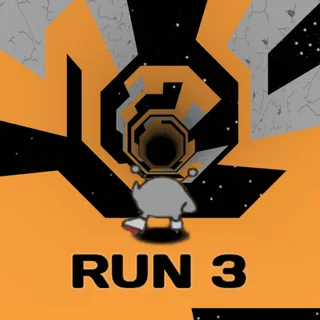
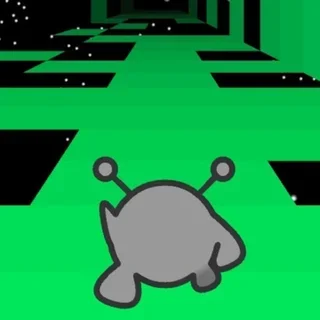
If you came to this site for Run 3, the appeal will feel familiar. Both games are about reading what is coming a fraction of a second early and committing to a line. Tunnel Rush swaps Run 3's gaps in space for a first-person view down a tube, which makes it a much more twitchy, visual test of reflexes. A run usually lasts under a minute, so it suits a quick break between longer sessions.
How to play
Steer with Left and Right, or A and D. Up, W or Space jumps in the places where a jump is available. The speed only ever climbs, so nothing you learn early on stays comfortable for long. Your score is simply how far you got, measured in metres, and hitting a wall ends the run.
Each round starts slowly enough to get your bearings. Then the walls stack up faster than you can react to them one by one, and you have to start reading two or three obstacles ahead instead of the one in front of you.
Tips
- Look toward the far end of the tube rather than at the wall right in front of you. By the time a wall is close, it is too late to steer.
- Tap the keys in short presses. Holding a direction overshoots the gap, and correcting back costs more time than a small nudge would have.
- Move early. Because the speed keeps rising, the same gap that took a comfortable swing at the start needs a tiny adjustment later on.
- If your eyes start to tire, take a short break. The moving patterns are hard on concentration, and your best distances rarely come when you are worn out.
Similar games on Run 3
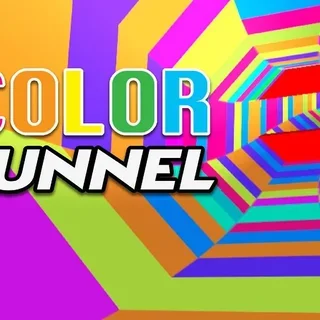
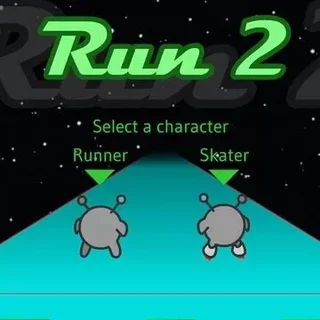
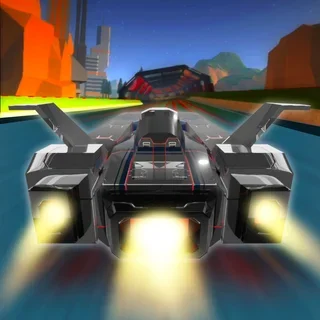
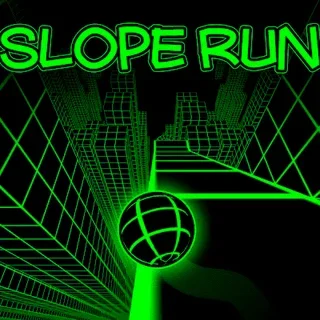
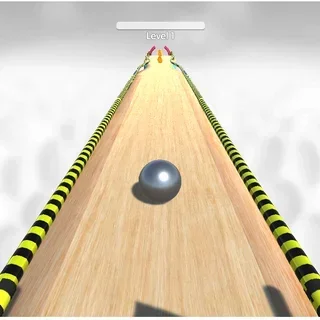
Super Tunnel Rush and Color Tunnel stay in the same tube-and-obstacles idea, while Vortex Racer and Rolly Vortex change the vehicle you are steering through it. Slope is the closest cousin outside the tunnel style, with a ball rolling down a track that also speeds up until you fall off. For something with more variety per level, Run 3 itself and Run 2 give you a longer path with platforms to think about.
Tunnel Rush is a good fit for keyboard players who like short, repeatable runs and a clear number to beat. It loads in the browser with nothing to install.
Questions about Tunnel Rush
Is Tunnel Rush unblocked at school?
Tunnel Rush runs in an ordinary browser tab from run3-unblocked.org, with nothing to download or install, so it plays on most school Chromebooks and work computers. If a network filter blocks the site, only that network's administrator can change it.
What are the controls in Tunnel Rush?
Left and Right, or A and D, steer. Up, W or Space jumps where a jump is available.
How is the score worked out?
Your score is the distance you travel in metres before you hit a wall.
Does the game get faster?
Yes. The speed only increases as you go, so it is best to steer early and in small movements.
Can I play it on a phone or Chromebook?
It is an HTML5 game that runs in the browser, so it should work on a Chromebook or laptop; a keyboard makes the steering easier.